Xtream IPTV Activation Code
Xtream IPTV Activation Code: The Complete 2026 Guide
Introduction: Understanding the Xtream IPTV Activation Code
Search for an Xtream IPTV activation code and you’ll be met with a wall of confusing results. Some pages promise free codes, others point to paid subscriptions, and very few explain what an activation code actually is or how it fits into the wider Xtream Codes ecosystem.
Here’s the short answer: an activation code is simply the credential set — server URL, username, and password — that unlocks a Xtream Code IPTV account. There’s no single universal code. Every provider issues its own.
This guide breaks down exactly what an Xtream IPTV activation code does, how Xtream Codes login url and Xtream Codes portal access work, why Free Xtream Codes fail so fast, and how to get a Working Xtream Codes credential that lasts longer than a day.
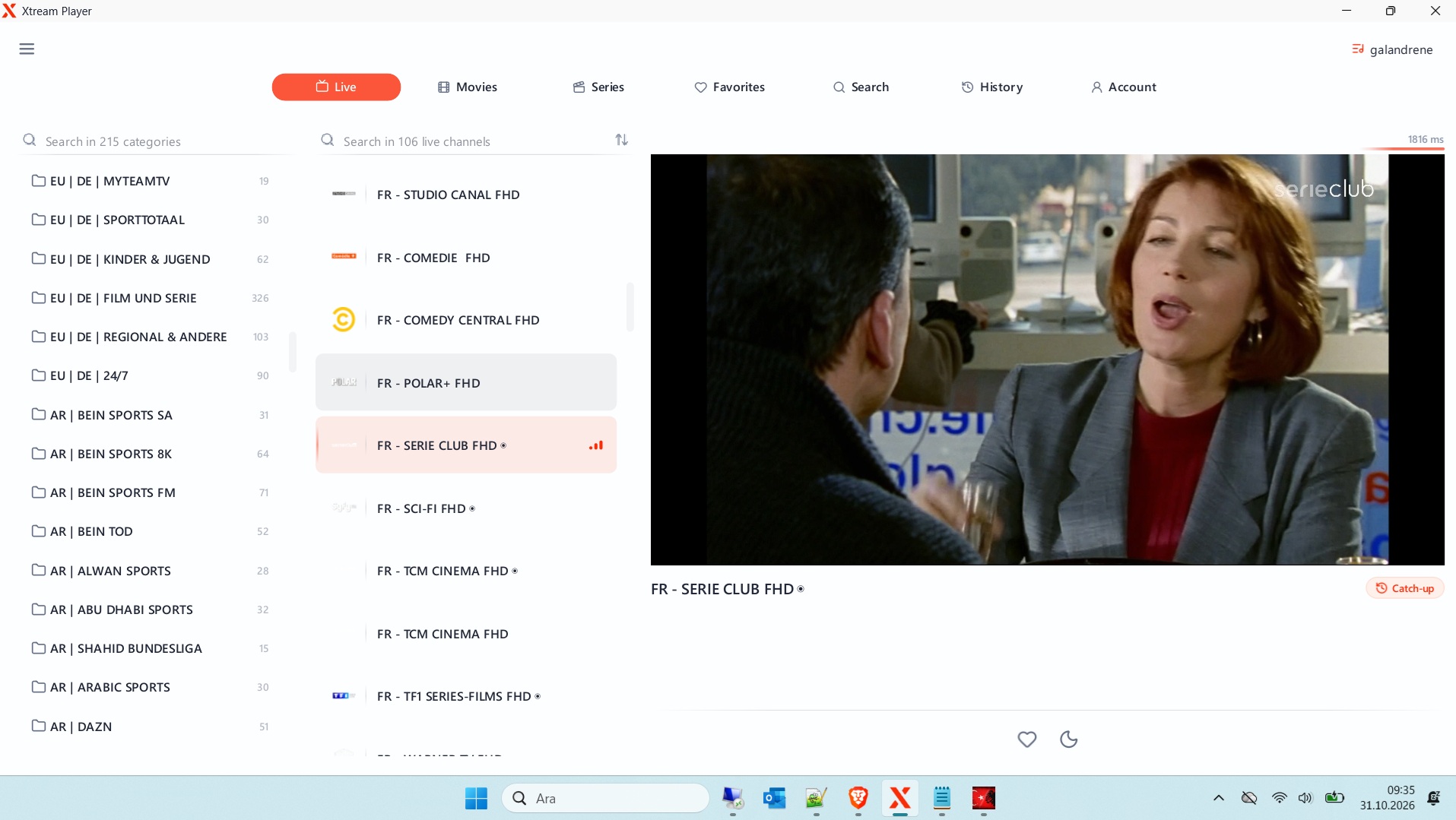
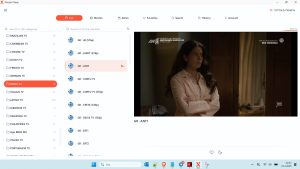
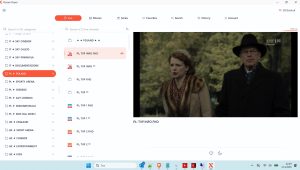
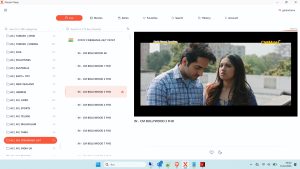
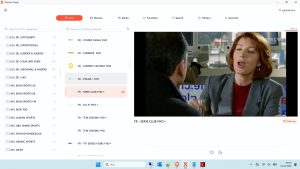
Windows IPTV Player Download

Windows IPTV Player 3.0 Download
What Is an Xtream IPTV Activation Code?
An Xtream IPTV activation code is the three-field login set that authenticates your account on a provider’s server.
- A server URL (the portal or API endpoint)
- A username
- A password
That’s the whole thing. When you buy an IPTV plan, the provider generates these three fields and sends them — usually via email or a customer dashboard. Some providers additionally send a short alphanumeric “activation code” you redeem on their website to reveal the actual credentials.
Key distinctions:
- The activation code is not a universal key
- It only works on the provider that issued it
- One code equals one account, sized to the plan you bought
The Confusion Around “Xtream Code Generator”
Plenty of sites advertise a free Xtream code generator. What they’re really offering is one of two things:
- A tool that converts your existing username and password into a Xtream Codes m3u URL
- A random credential blaster that spits out shared codes until one works
The generator isn’t magic. A real Xtream Code IPTV credential always comes from a live server with a live account behind it. Generators only reshape credentials — they don’t create accounts out of thin air.
Free Xtream Codes: What You Actually Get
Free Xtream Codes credentials are real, and they exist across hundreds of public lists. What they don’t offer is permanence.
Shared free accounts get hit by hundreds of simultaneous users. The server caps sessions, throttles throughput, or kills the login. By the time you paste it, the code may already be dead.
The realistic experience with free codes:
- They work for a few hours, sometimes a few days
- Channel lineups shift constantly
- 4K streams rarely survive the load
- There is zero support
Treat free codes as a test environment. They’re perfect for learning setup and comparing players before you commit to a paid Xtream Code IPTV account.
Why “Xtream Codes Unlimited” Is Misleading
Marketers throw around Xtream Codes unlimited as if it means forever. It doesn’t.
“Unlimited” on free lists usually means “no artificial restrictions while the code is live.” When the account dies, the unlimited boasts mean nothing.
For Xtream Codes 2026, only a private paid credential delivers genuinely unlimited-feeling access — full lineups, multiple connections, consistent uptime. Free codes come with a hard expiry clock you never see.
How to Use an Activation Code: Step by Step
The activation and setup process is short.
- Buy a plan or receive a code from your provider
- Redeem the code on their website or client area (if required)
- Copy the Xtream Codes login url, username, and password
- Install a compatible player — TiviMate, IPTV Smarters, or XCIPTV
- Open Add Playlist → select Xtream Codes API
- Paste all three fields → connect
Some providers skip the redemption step and send the credentials directly. That’s normal.
Compatible Players by Device
The player only affects the experience — it never affects whether the credentials work.
- TiviMate — best EPG grid and multi-playlist control
- IPTV Smarters Pro — widest platform support
- XCIPTV Player — light build for smaller lists
- GSE Smart IPTV — strong Apple-focused option
Every one of them accepts the same three fields. Pick the UI you like and stop overthinking it.
Device notes:
- Firestick — sideload TiviMate or Smarters
- Android TV — same flow, use modern hardware
- Apple TV — official tvOS apps, no jailbreak
- Smart TV — external box beats built-in apps every time
What a Valid Activation Code Should Include
Legitimate services send you a complete package. Anything less is a red flag.
- A working server URL or API endpoint
- A username set for your account alone
- A password — always changeable
- The number of devices allowed on your plan
- An expiry date in plain sight
- A support contact you can actually reach
If a provider hands over a URL with no username, or a code with no expiry, ask questions before you pay.
Xtream Codes Portal and Playlist Explained
Two terms trip people up constantly.
Xtream Codes portal is the server address. It’s a URL — nothing more. In some apps it’s labelled “portal,” in others “server.” Same field.
Xtream Codes playlist is the channel lineup generated from your login. You’ll never see the file itself — the app assembles it from the API automatically.
If a tutorial ever tells you to build an M3U manually from a Xtream Codes login, it’s doing something the app handles on its own.
Xtream IPTV Activation Code
👤 www.stbemuiptv.net
━━━━━━━━━━━━━━━━━━
• 𝙋𝙤𝙧𝙩𝙖𝙡 : http://epmc4k.xyz
• 𝘾𝙧𝙚𝙖𝙩𝙚𝙙 : 11/02/2026
• 𝙀𝙭𝙥 : 11/02/2027
• 𝙐𝙨𝙚𝙧 : 5001926580
• 𝙋𝙖𝙨𝙨 : 5132323498
• 𝘾𝙤𝙣𝙣 : 0
• 𝙈𝙖𝙭𝘾𝙤𝙣𝙣 : 1
• 𝙋𝙤𝙧𝙩 : 80
• 𝙎𝙩𝙖𝙩𝙪𝙨 : # VPN ❌
You can download the rest from the link below.
Download Link
How to Tell a Good Activation Code From a Bad One
Four quick checks separate real codes from recycled junk.
- Expiry date visible — legit providers show it upfront
- Private username — unique strings beat generic ones
- Fast load — channels appear in seconds on real accounts
- Matchday performance — if live sports hold up, the code is solid
Free codes fail three or four of those checks. Paid codes pass all four.
Common Activation Problems and Fixes
Most issues trace back to typos, not servers.
- Connection failed → check for trailing spaces in the URL
- Invalid credentials → confirm case-sensitive characters
- Portal unreachable → ping the host or restart the app
- Code accepted but no channels → the account is expired or capped
- Streams stop mid-event → session limit hit, close other devices
If all else fails, ask your provider. That’s what support is for.
What to Expect From a Paid Activation Code
A private Xtream IPTV activation code delivers everything free codes can’t.
- Dedicated credentials that don’t get throttled
- Multiple connections on one plan
- Full EPG and catch-up support
- 4K streams with modern hardware
- Real customer support and a real expiry date
Authorized private access outperforms public free lists on every measured metric — stability, channel count, and stream quality.
Pricing Reality Check
Normal-market pricing for a single-device IPTV plan sits roughly $5 to $15 per month. Annual plans commonly run $50 to $120 depending on device count.
Green flags:
- Free 24-hour trial offered
- Named support channel
- Transparent device limits
Red flags:
- Extremely low prices with “everything included” promises
- No trial
- Payment via unidentifiable sources only
The Hybrid Approach That Keeps You Streaming
Smart users never rely on one code.
- Primary: a paid private credential
- Backup: a fresh free list in a second app
- Emergency: a vlc playlist scan of spare URLs
Rotate and test weekly. When one source dies, you’re already covered.
Final Word: Activation Codes Done Right
An Xtream IPTV activation code is a three-field credential, nothing more and nothing less.
- Free codes exist and work for a while
- Paid codes work consistently and support real features
- Use the trial, check the red flags, and commit only when the trial holds up
With the right provider and the right player, activation takes two minutes and the buffer dance disappears.




Post Comment