Xtream Codes M3U Playlist
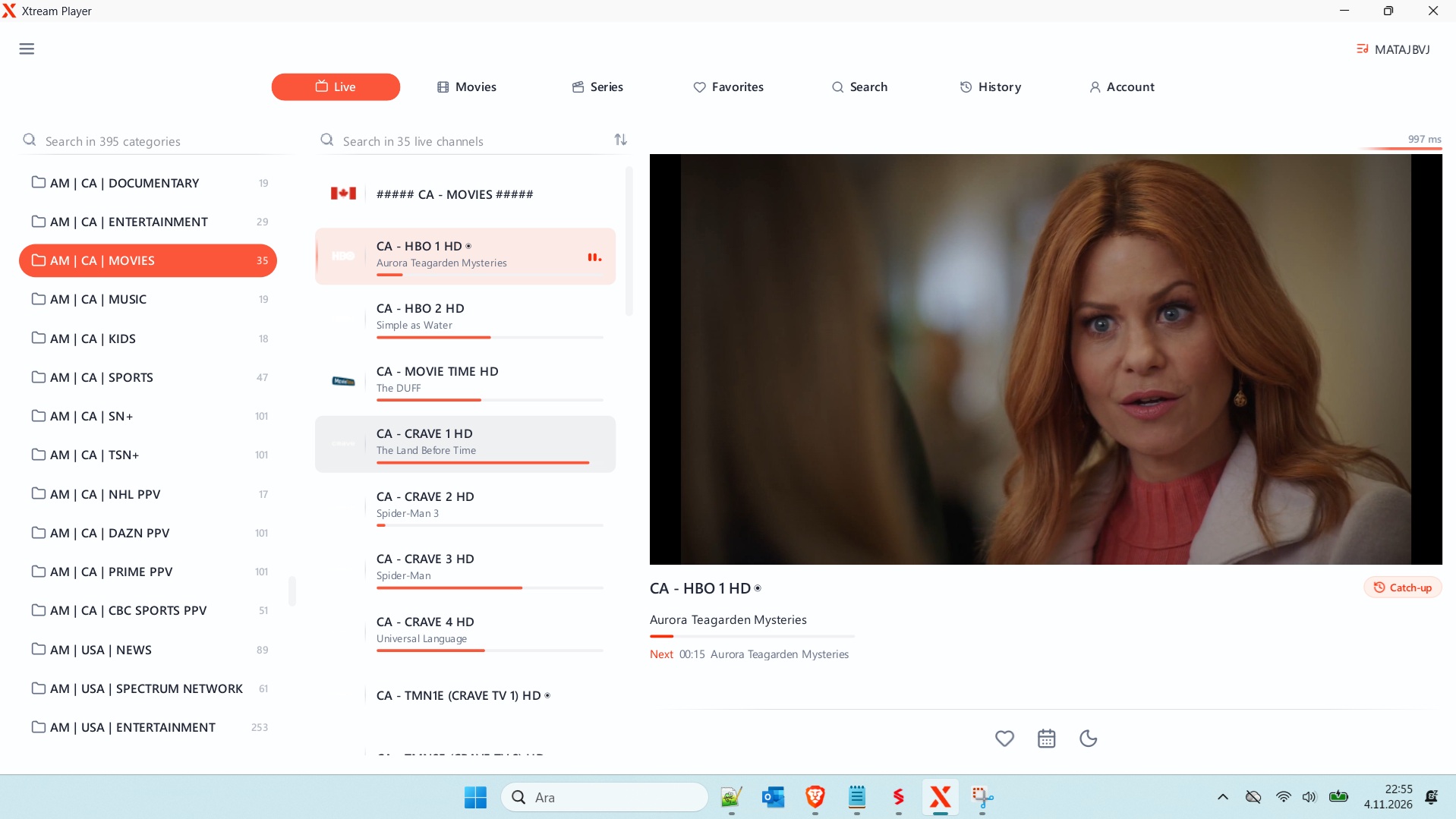
Xtream Codes M3U Playlist: What It Is and How to Use It Legally in 2026
Xtream Codes is a panel system that IPTV providers use to deliver live TV, movies and series to your device. Your provider gives you a server address, a username and a password. Those three pieces let you pull a playlist, sign in through an app, or convert everything to an M3U file.
This guide covers how the system works, how to set up Xtream Codes login on popular apps, and how to turn your subscription into an Xtream Codes M3U playlist. It also explains why “free” and “generator” offers are a bad deal.
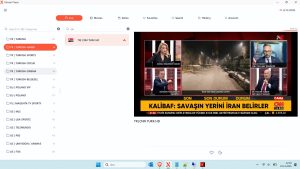
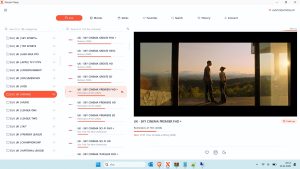
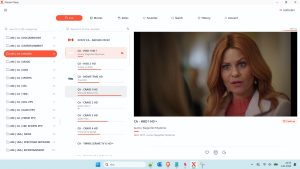
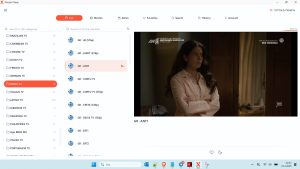
Windows IPTV Player Download

Windows IPTV Player 3.0 Download
What Xtream Codes Actually Is
Xtream Codes is a backend panel. It manages subscribers, channel lists and expiry dates, then serves the content to apps through a standard interface.
→ Provider sets up the panel → you get credentials → your app connects through the Xtream Codes API → channels and VOD load.
Most providers sell access in one of three ways:
- ✅ Paid subscription with a dedicated username and password
- ✅ Trial from the provider, usually a few hours or days
- ❌ Shared or “free” codes posted online, which are often illegal and unstable
The Xtream Codes API in Plain Terms
The Xtream Codes API is a set of web addresses your app calls to ask questions like “what channels do I have?” or “what is my expiry date?” The app receives a structured response and builds the menus.
Typical API calls look like this:
player_api.phpfor account info, categories and streamsget.phpfor generating a playlist filexmltv.phpfor the electronic programme guide (EPG)
You never need to write these yourself. Apps handle them. Knowing they exist helps when troubleshooting, because most errors come from a wrong server address, a wrong port or an expired account.
Xtream Codes Login: Step by Step
The Xtream Codes login almost always needs three fields:
- Server URL (sometimes with a port, e.g.
http://example.com:8080) - Username
- Password
Common mistakes:
- ❌ Adding
/get.phpor/player_api.phpto the server field - ❌ Copying a trailing space from an email or message
- ❌ Mixing up
httpandhttps - ❌ Using the account’s email instead of the username
If the login fails, check the account status with your provider first. Many “invalid” errors are simply expired subscriptions.
Xtream Codes to M3U: How the Conversion Works
An M3U file is a plain-text list of channel names and stream links. Many players read it directly, and it is useful when your app does not support Xtream logins.
A standard Xtream Codes M3U playlist link follows this pattern:
http://server:port/get.php?username=YOURUSER&password=YOURPASS&type=m3u_plus&output=ts
To use it:
- Replace the server, port, username and password with your own details.
- Open the link in a player that accepts M3U URLs, or save it as a
.m3ufile. - Load the file in your app.
Keep that link private. Anyone with it can use your subscription.
Some apps can also turn Xtream credentials into a playlist for you, which saves the manual step. That is the simplest route if you just want Xtream Codes to M3U without touching a URL.
Xtream Codes M3U Playlist
👤 www.stbemuiptv.net
━━━━━━━━━━━━━━━━━━
• 𝙋𝙤𝙧𝙩𝙖𝙡 : http://s.xp1.tv
• 𝘾𝙧𝙚𝙖𝙩𝙚𝙙 : 10/01/2026
• 𝙀𝙭𝙥 : 10/11/2026
• 𝙐𝙨𝙚𝙧 : kara27mustafa
• 𝙋𝙖𝙨𝙨 : a822aKz
• 𝘾𝙤𝙣𝙣 : 1
• 𝙈𝙖𝙭𝘾𝙤𝙣𝙣 : 1
• 𝙋𝙤𝙧𝙩 : 80
• 𝙎𝙩𝙖𝙩𝙪𝙨 : # OK ✅
• 𝐌𝟑𝐔 : www.stbemuiptv.net
You can download the rest from the link below.
Download Link
You can watch the video to learn how to download the file.
Xtream Codes Playlist vs. Xtream Codes M3U Playlist
People use these terms interchangeably, but the difference is practical:
| Format | Best for | Downside |
|---|---|---|
| Xtream login | Apps with built-in Xtream support | Needs the app to support Xtream |
| M3U playlist | Any player that reads M3U | Static, so it needs refreshing after changes |
| EPG (XMLTV) | Programme guide | Not all providers include it |
Use the Xtream Codes login where you can. It updates automatically, while a playlist file goes stale when the provider changes its channel list.
Xtream Codes on Firestick, Android TV and Other Devices
Most people set up Xtream Codes Firestick or Xtream Codes Android TV with a player app.
- Firestick: Install the app from the Amazon Appstore, or sideload it with the Downloader app. Then enter your login details.
- Android TV: Install from the Google Play Store, then sign in with your server, username and password.
- iPhone and iPad: Use an app from the App Store that supports Xtream logins.
The apps most often recommended for Xtream accounts are:
- IPTV Smarters (also listed as Xtream Codes Smarters Pro in some guides)
- TiviMate, popular on Android TV and Firestick (TiviMate Xtream Codes setups are common)
- XCIPTV, which handles large channel lists well
Pick the one with the interface you like best. Setup is nearly identical across all of them.
Best Xtream Codes 2026 Setup Tips
There is no single “best” Xtream Codes setup for everyone. These habits help in 2026:
- Stick to one reputable provider with clear pricing and a support channel.
- Use the EPG if your provider offers it, so you get programme listings.
- Check your expiry date in the app before a big event.
- Keep your app updated so it works with newer API responses.
- Use a wired or strong Wi-Fi connection for HD and 4K streams.
If buffering happens, test the stream on another device. If it works there, the problem is your app or network, not the account.
Why “Free Xtream Codes” Are a Bad Deal
Searches for Free Xtream Codes, Free Working Xtream Codes, New Xtream Codes / Working Xtream Codes and Xtream Codes Generator lead to sites that promise free access. Here is what usually happens:
- ❌ The codes are shared credentials, often taken from paid accounts without permission.
- ❌ They are illegal in most countries, because they stream copyrighted content without a licence.
- ❌ They stop working without warning, usually in days.
- ❌ Generators and “free login” apps often carry malware, phishing or data theft.
- ❌ Your device and personal details can be exposed.
A generator that “creates” working codes is almost always a scam. Legitimate providers do not issue codes that way.
If cost is the problem, look for these instead:
- ✅ Official free trials from providers
- ✅ Free live channels from legal services with ad-supported TV
- ✅ Public-domain films on legal archives
Xtream Codes IPTV Troubleshooting Checklist
When something does not work, check these in order:
- Confirm the subscription is active.
- Re-type the server, port, username and password.
- Test the same login in a second app.
- Restart the router and the device.
- Ask the provider whether the server is down.
Most issues are solved by steps 2 or 4.
Final Thoughts on Xtream Codes in 2026
Xtream Codes is a practical system when you have a legitimate subscription. The API connects your app to the content, the login is simple once you have the right server address, and the M3U option covers the rest.
Skip the free and generator offers. They cost more in risk than they save in money. Choose a reliable provider, set up one good app, and your Xtream Codes IPTV experience will be far smoother.
If you tell me which device you are using, I can walk you through the exact setup steps for that app.





2 comments