Xtream Codes
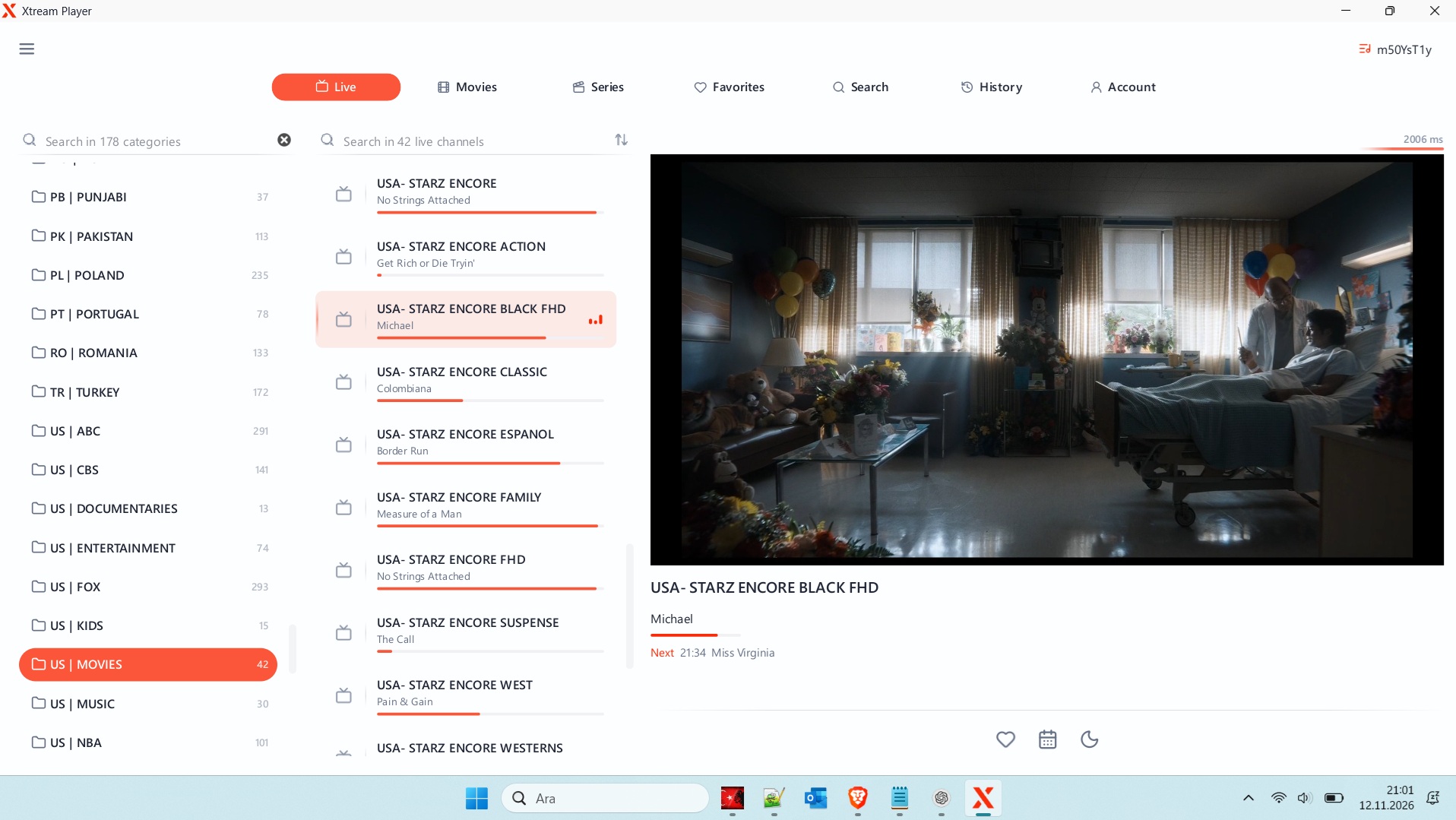
Xtream Codes: Complete Guide to Xtream Codes API, IPTV Login and Players
Introduction to Xtream Codes
Xtream Codes is a widely recognized name in the IPTV industry. It is commonly associated with IPTV management systems, API connections, streaming applications, and media player compatibility. Many users searching for Xtream Codes, Xtream Codes API, or Xtream IPTV want to understand how these technologies work and how they can connect compatible applications to authorized streaming services.
As IPTV technology continues to develop, users increasingly look for flexible ways to access live television, movies, TV series, and other digital media through different devices. Xtream Codes-related login systems have become familiar within this environment because they provide a structured method for connecting compatible IPTV applications to supported services.
In this guide, we explain what Xtream Codes means, how Xtream Codes API connections work, which devices support compatible applications, and what users should consider when choosing an IPTV player.
What Is Xtream Codes?
Xtream Codes is a name associated with IPTV middleware and server management technology. In the IPTV environment, middleware helps organize communication between streaming servers and compatible applications.
Rather than manually configuring every media stream, compatible IPTV applications can use structured login information to communicate with a supported service.
A typical Xtream Codes-compatible login requires three main details:
- Server URL: The address of the authorized IPTV service.
- Username: The account username provided by the service.
- Password: The corresponding account password.
When these details are entered correctly, a compatible application can attempt to connect to the service and retrieve available content, depending on server configuration and account permissions.
It is important to understand that Xtream Codes is not itself a television channel provider. Access to channels and other media depends on the streaming service, its licensing arrangements, and the user’s subscription or account authorization.
What Is Xtream Codes API?
The Xtream Codes API is a commonly used term for an interface that allows compatible applications to communicate with IPTV services.
An API, or Application Programming Interface, enables different software systems to exchange information. In an IPTV environment, this communication may involve account authentication, channel information, electronic program guides, and available video-on-demand categories.
The exact features depend on the server and application implementation.
Some common functions associated with compatible API systems include:
- User authentication and account verification.
- Live TV channel information.
- Video-on-demand categories.
- TV series information.
- Electronic Program Guide (EPG) data.
- Account and connection status.
- Streaming information supported by the service.
One advantage of API-based connections is convenience. Users do not necessarily need to add every channel individually when their authorized provider supports automatic playlist and category loading.
How Does Xtream Codes Login Work?
An Xtream Codes login is a connection method supported by various IPTV applications.
The process is generally straightforward, although the interface may differ between applications.
Step 1: Choose a Compatible IPTV Player
Install a reputable IPTV application that supports Xtream Codes API login. Check the application’s official website or app store listing to confirm compatibility.
Step 2: Open the Login Section
Launch the application and look for an option such as “Login with Xtream Codes API,” “Xtream Codes Login,” or “Add Playlist.”
Step 3: Enter Your Account Information
Provide the server address, username, and password supplied by your authorized IPTV service.
Step 4: Connect to the Service
Save the information and allow the application to authenticate your account.
Step 5: Load Available Content
If authentication is successful, the application may display available live TV, movies, series, and other supported categories.
If the connection fails, check the server address, account details, internet connection, and subscription status.
Best Devices for Xtream Codes-Compatible IPTV Applications
One reason IPTV technology attracts users is its compatibility with different device categories.
Depending on the application and service, Xtream Codes-compatible players may be available for:
Android TV and Android TV Boxes
Android TV devices are popular because they support a wide selection of media applications. Users can install compatible IPTV players through supported distribution channels and connect using authorized account information.
Amazon Fire TV Devices
Some IPTV players are compatible with Fire TV devices. Before installing an application, users should check its official availability, device requirements, and security information.
Smartphones and Tablets
Android smartphones and tablets provide portable access to compatible media applications. A suitable player can offer channel navigation, playback controls, and content categories on smaller screens.
Smart TVs
Certain Smart TV platforms support IPTV applications directly. Compatibility depends on the television manufacturer, operating system, and available application store.
Windows and Other Computers
Desktop users can also access IPTV services through compatible media software and supported web-based applications.
Choosing an application that matches your device is essential for a reliable viewing experience.
Xtream Codes vs. M3U Playlist: What Is the Difference?
Xtream Codes login and M3U playlists are two different methods used by IPTV applications to organize streaming content.
An M3U playlist is a text-based file or URL containing media stream information. Compatible players read this information to display available channels and streams.
Xtream Codes API login, on the other hand, generally uses account credentials and a server address to retrieve supported service information.
Here are the main differences:
| Feature | Xtream Codes API | M3U Playlist |
|---|---|---|
| Connection | Server URL and credentials | Playlist URL or file |
| Authentication | Usually username and password | Depends on playlist configuration |
| Channel organization | Server-supported categories | Playlist-defined entries |
| EPG support | Depends on service and player | Requires compatible EPG information |
| Updates | Can be retrieved from the service | Depends on playlist updates |
Neither method automatically guarantees better streaming quality. Performance depends on the provider, network connection, device, and media player.
Common Xtream Codes Login Problems and Solutions
Sometimes users encounter connection problems when configuring an IPTV application. Understanding the most common causes can make troubleshooting easier.
1. Incorrect Server URL
An incorrectly entered server address can prevent the application from connecting. Check the address provided by your authorized service.
2. Invalid Username or Password
Even a small typing error can cause authentication to fail. Verify your account details and make sure there are no unnecessary spaces.
3. Expired Subscription
Some services restrict access after an account expires. Contact the provider to verify your subscription status.
4. Internet Connection Problems
Slow or unstable internet connections can interrupt authentication and playback. Restart your router and test your connection.
5. Application Compatibility
Not every IPTV player supports every API implementation. Check the application’s supported login methods and update it when necessary.
6. Server Maintenance
Temporary server maintenance or technical problems may affect connectivity. Contact the authorized service provider if the issue continues.
How to Choose a Reliable Xtream Codes IPTV Player
Selecting an appropriate IPTV player is just as important as choosing a compatible service.
Consider the following factors before installing an application:
- Xtream Codes API support: Confirm that the player supports the login method you need.
- Device compatibility: Check whether the application works with your Android TV, Fire TV, smartphone, or Smart TV.
- User interface: Look for simple navigation and clearly organized categories.
- EPG functionality: Electronic Program Guide support can make channel browsing easier.
- Playback performance: Choose software that supports suitable video formats and playback features.
- Privacy and security: Review application permissions, developer information, and privacy policies.
- Regular updates: Updated applications are more likely to receive compatibility and security improvements.
Always download applications from official or trusted sources. Avoid unknown APK files and services offering unauthorized access to copyrighted television channels.
Is Xtream Codes Free?
The term Xtream Codes does not automatically mean that a streaming service is free.
The availability and cost of IPTV access depend on the service provider, licensing arrangements, and subscription model.
Some IPTV players are available as free applications, while others offer premium features or paid upgrades. An IPTV player and an IPTV content subscription are separate things.
Users should carefully review the terms, pricing, and legal status of a service before purchasing access.
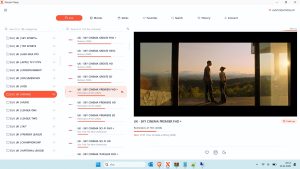
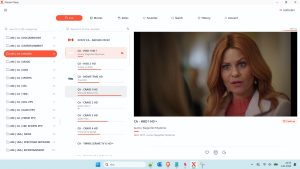
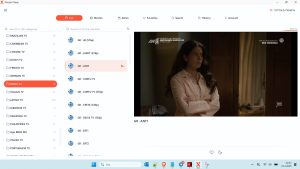
Windows IPTV Player Download

Windows IPTV Player 3.0 Download
Xtream Codes
👤 www.stbemuiptv.net
━━━━━━━━━━━━━━━━━━
• 𝙋𝙤𝙧𝙩𝙖𝙡 : http://stream.ghosttv.co
• 𝘾𝙧𝙚𝙖𝙩𝙚𝙙 : 03/02/2026
• 𝙀𝙭𝙥 : 03/02/2027
• 𝙐𝙨𝙚𝙧 : ndream_537084
• 𝙋𝙖𝙨𝙨 : YY2m86mw
• 𝘾𝙤𝙣𝙣 : 1
• 𝙈𝙖𝙭𝘾𝙤𝙣𝙣 : 1
• 𝙋𝙤𝙧𝙩 : 80
• 𝙎𝙩𝙖𝙩𝙪𝙨 : # VPN ❌
• 𝐌𝟑𝐔 : www.stbemuiptv.net
You can download the rest from the link below.
Download Link
You can watch the video to learn how to download the file.
Is Xtream Codes Safe and Legal?
The technology used to connect IPTV applications is not inherently illegal. However, the legality of a particular streaming service depends on whether it has the necessary rights and licenses to distribute its content.
Users should choose legitimate providers that have authorization to distribute the channels, movies, and television programs they offer.
For better digital security, avoid sharing account credentials, use trusted applications, review privacy policies, and keep your devices updated.
Frequently Asked Questions About Xtream Codes
1. What is Xtream Codes used for?
Xtream Codes is associated with IPTV middleware and API-based systems that help compatible applications connect to supported streaming services.
2. What is an Xtream Codes API login?
It is a login method that typically requires a server URL, username, and password to connect an IPTV application to an authorized service.
3. Does Xtream Codes work on Android TV?
Yes, compatible IPTV applications on Android TV can support Xtream Codes API connections, depending on the application and service.
4. Is Xtream Codes the same as M3U?
No. Xtream Codes API login and M3U playlists are different connection methods. Both can be supported by compatible IPTV players.
5. Why is my Xtream Codes login not working?
Common reasons include incorrect credentials, an invalid server address, expired access, internet problems, or temporary server issues.
6. Can I use Xtream Codes on Fire TV?
Yes, if you use a compatible IPTV player that supports the relevant API login method and is available for your Fire TV device.
7. Do I need an IPTV player to use Xtream Codes?
Generally, yes. You need compatible software to enter your connection details and access the features provided by an authorized IPTV service.
Conclusion
Xtream Codes remains an important search term in the IPTV ecosystem, particularly for users interested in API connections, IPTV login methods, compatible media players, and streaming device support.
Understanding the difference between Xtream Codes API and M3U playlists can help users select the right connection method for their devices. Whether you use Android TV, Fire TV, a smartphone, or a Smart TV, choosing secure and compatible software is essential.
For more IPTV application guides, setup tutorials, and information about compatible streaming technologies, keep visiting stbemuiptv.net. Our goal is to help readers understand IPTV technology and make informed decisions about their digital entertainment experience.





Post Comment